
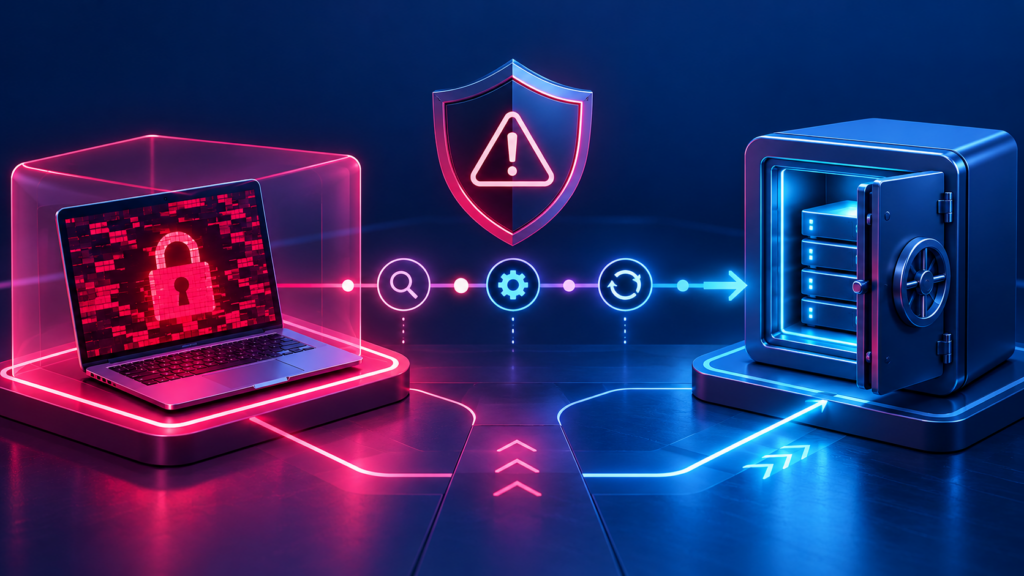
A ransomware plan is most valuable before an incident. In the first hours, a small business needs calm decisions: contain the spread, preserve evidence, protect people, and start a recovery process based on known priorities. This is operational guidance, not a substitute for incident-response or legal advice.
First: contain without destroying evidence
If ransomware is suspected, isolate affected devices from wired and wireless networks when safe, stop unnecessary access, and contact the person responsible for incident response. Avoid repeatedly logging in, deleting files, or rebuilding systems before the situation is assessed.
- Use a documented emergency contact list.
- Record what was seen, when, and on which device.
- Escalate to qualified security, legal, insurance, and law-enforcement contacts as appropriate.
Next: establish what can be recovered
Identify critical systems and check whether backups are available, protected, and recent. Do not connect backup media to an affected environment until the recovery team has a safe plan. Prioritise the business functions that must resume first and document decisions.
- Confirm backup integrity through a safe restore process.
- Reset credentials through a controlled process.
- Communicate carefully with staff, customers, and vendors.
Prepare before the crisis
The Canadian Centre for Cyber Security recommends recovery planning, stakeholder roles, asset inventories, and secured backups. Digital Allo’s cybersecurity services and backup support can help turn those principles into a practical plan for a Surrey business.
- Run a tabletop exercise.
- Keep offline or otherwise protected recovery copies.
- Review the plan after changes and incidents.
Hour by hour: a first-day checklist
| Timeframe | Priority actions |
|---|---|
| First hour | Disconnect affected devices from the network without switching them off; alert your incident lead; stop non-essential access; note what you saw and when. |
| Hours 1 to 4 | Bring in your IT provider or security responder; contact your cyber insurer if you have one; identify which systems and accounts are affected; secure backups. |
| Hours 4 to 12 | Decide recovery priorities; reset credentials from a clean device; agree what to tell staff; consider reporting obligations under privacy law. |
| Hours 12 to 24 | Begin restoring the highest-priority systems from known-good backups; monitor for reinfection; prepare customer and supplier communications if needed. |
Reporting in Canada
You can report cyber incidents to the Canadian Centre for Cyber Security and fraud to the Canadian Anti-Fraud Centre, and you may also contact local police. If personal information may have been accessed, review your obligations: organisations covered by federal privacy law must report breaches that create a real risk of significant harm, and BC organisations should also check guidance from the BC privacy commissioner. Get legal advice where the situation is unclear.
What to prepare this month
- A printed contact sheet: IT provider, insurer, key staff, bank and legal contacts
- A list of critical systems in the order they must come back
- At least one backup copy that is offline or cannot be changed from everyday accounts
- Multi-factor authentication on email, remote access and admin accounts
- A 30-minute tabletop exercise where the team walks through this checklist
A practical starting point
- Create an incident contact tree.
- Prioritise systems before an emergency.
- Test recovery without risking production data.
Frequently asked questions
Should we pay a ransom?
Do not make that decision alone. It involves legal, insurance, operational, and recovery considerations and does not guarantee restoration.
How quickly can systems be recovered?
It depends on scope, backup quality, dependencies, and the recovery plan. Test results are more useful than optimistic estimates.
Should we turn infected computers off?
Disconnecting from the network is usually the first step. Powering devices off can destroy information that responders need, so follow your responder’s guidance where possible.
Further reading
- Canadian Centre for Cyber Security: Ransomware playbook
- Canadian Centre for Cyber Security: Report a cyber incident
- Canadian Anti-Fraud Centre: Report fraud and cybercrime
- Office of the Privacy Commissioner of Canada: Privacy breaches
How Digital Allo can help
Digital Allo helps Surrey businesses prepare before an incident, with cybersecurity reviews, protected backups and a written response plan. This article is general guidance, not legal or incident-response advice. If you are dealing with an active incident, contact your IT provider and insurer immediately.